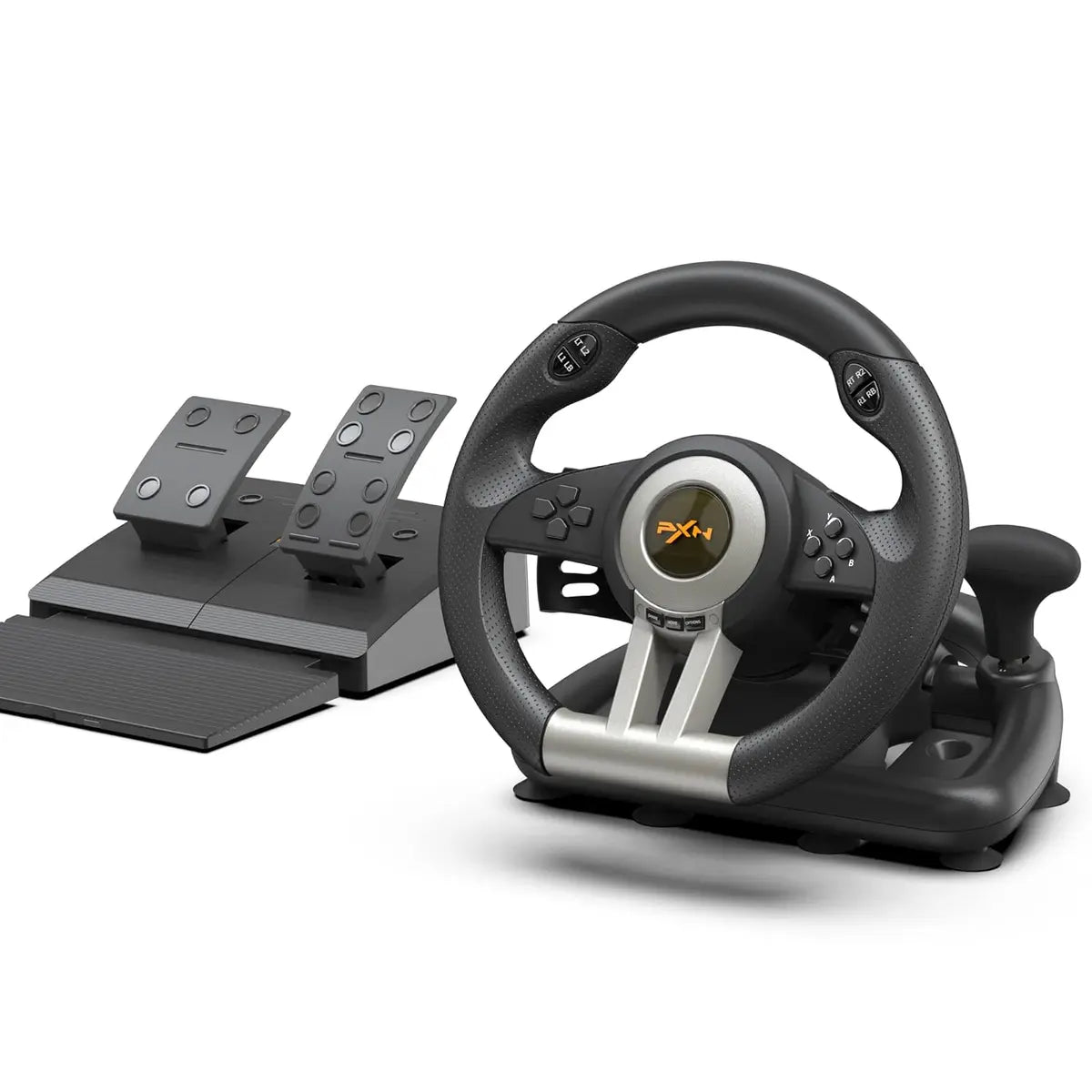
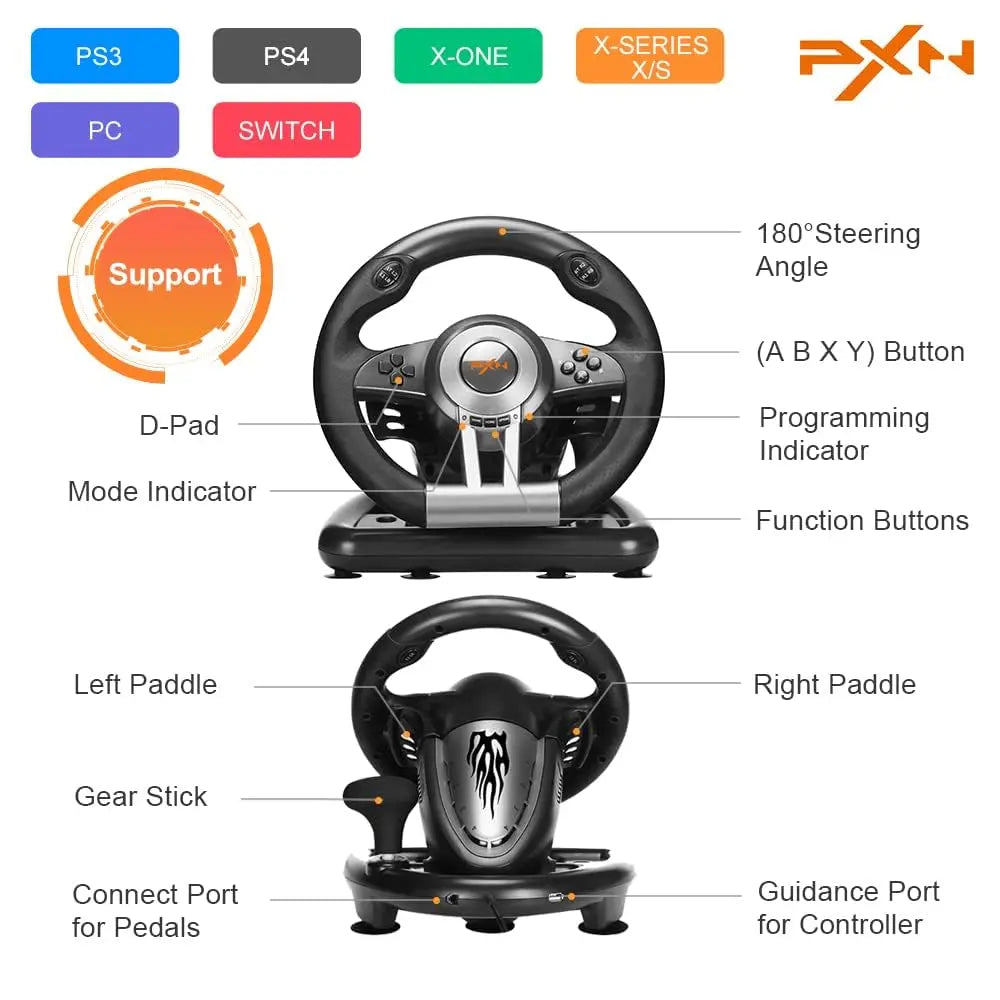
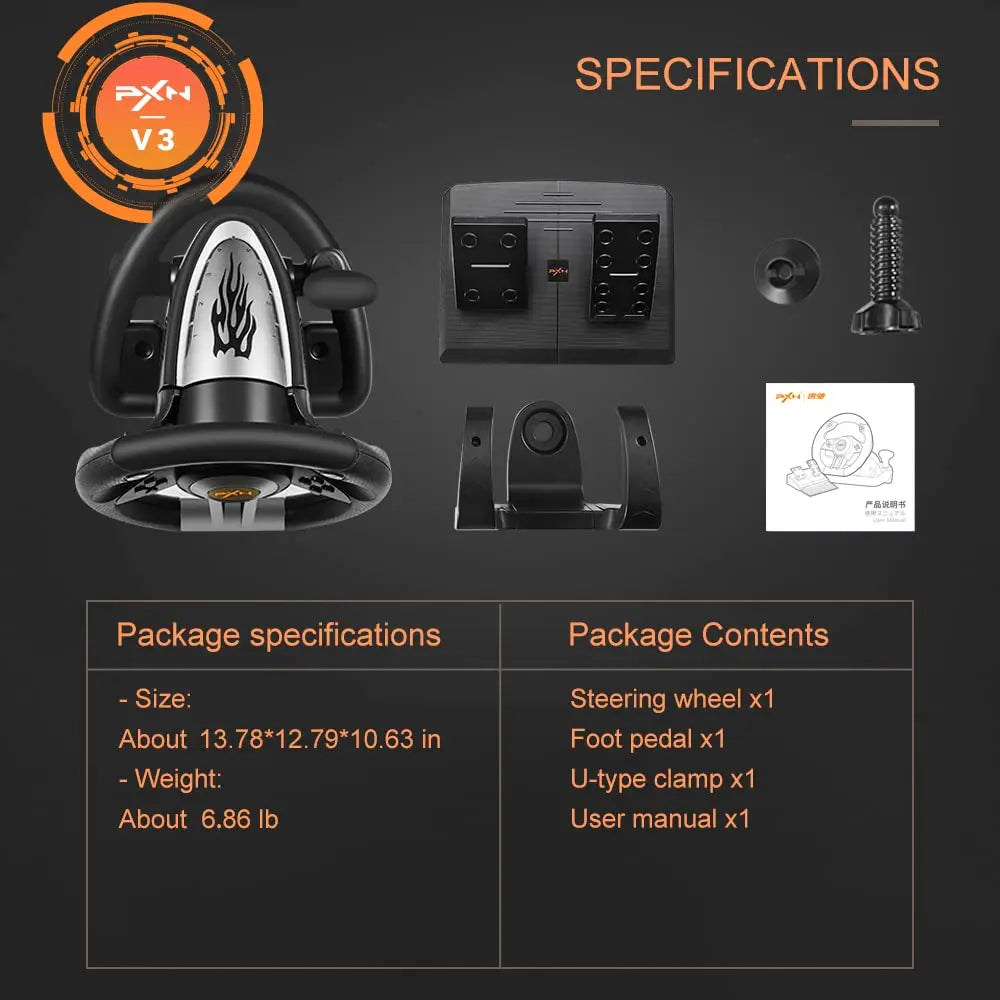
The gaming racing wheel is compatible with PC / PS4 / PS3 / Xbox One / Xbox Series S/X. Support windows 7/8/10/11. You need to connect the original controller before you experience the PS4/X-box racing game. (Note: The original controller needs to be turned off before connecting)
PXN V3 PRO PC Racing, Steering Wheel with Pedals Price in Pakistan
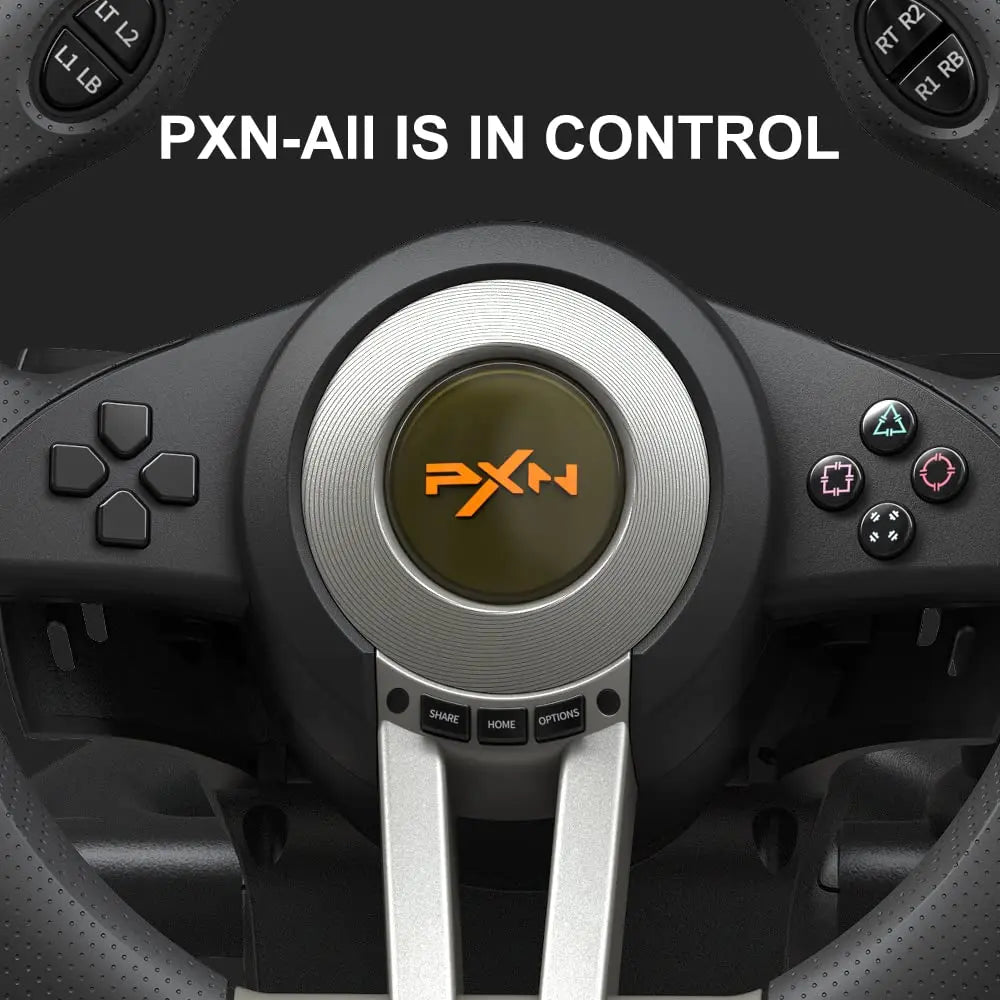
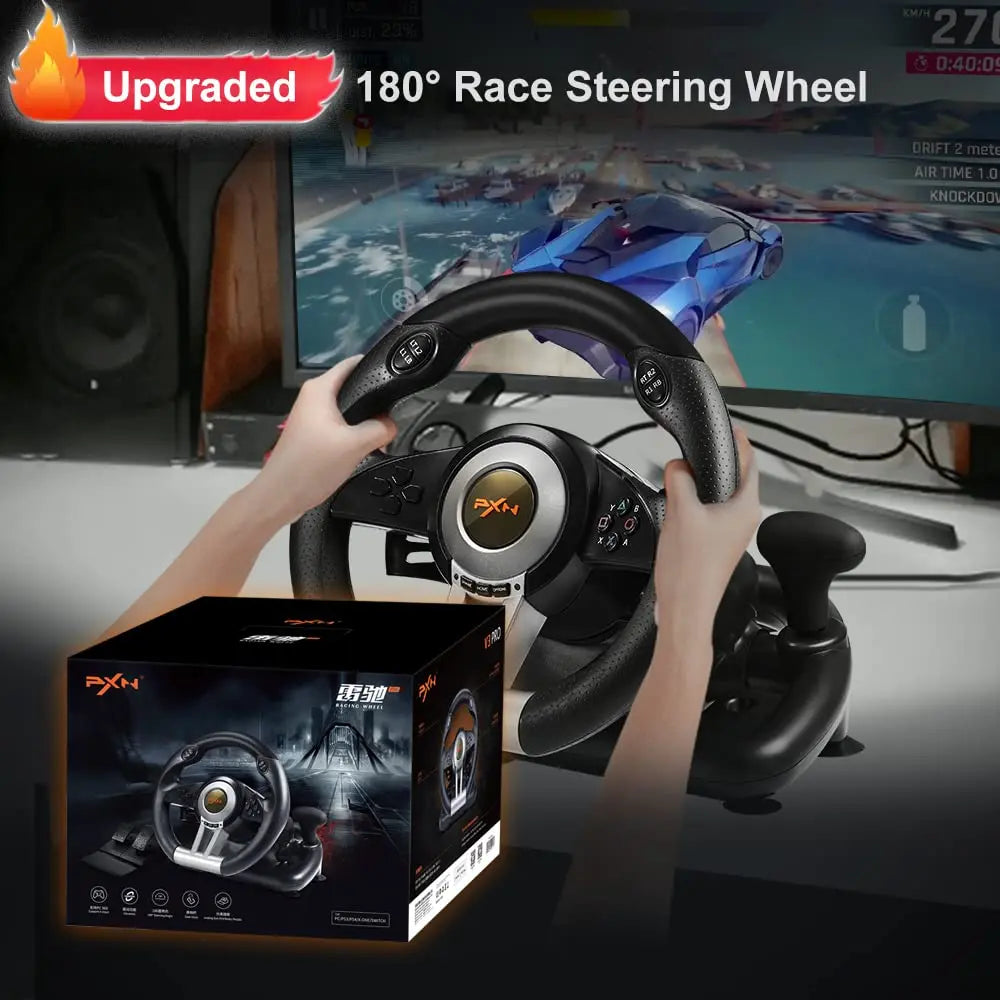
PXN V3 Gaming Steering Wheel for PC, PS3, PS4, Switch, Xbox One, and Xbox Series S/X
Note:When the PXN V3 steering wheel works on X-box One, X-box Series S/X, PS4, PS3, there is no direct connection. You need to first connect the steering wheel with the original controller of the console, arrive with the host, and then connect the steering wheel and with a data cable. A more detailed connection method can be read in the manual.
PS3, PS4 connection method
1. Need to use X-box One, X-box Series S/X, PS4, PS3 original gamepad to guide,
2. Before starting the machine, please make sure that the host and the original handle are turned off.
3. Use the microusb cable with data transmission function to connect the steering wheel and the original handle,
4. Connect the steering wheel to the head unit. After the original handle is connected to the steering wheel, turn on the host.
5. After power on, press the HOME button on the steering wheel. Can be manipulated to lead to success.
6. If you can't control it, please replace the data cable or restart