- Up to 0.01mm RT Sensitivity
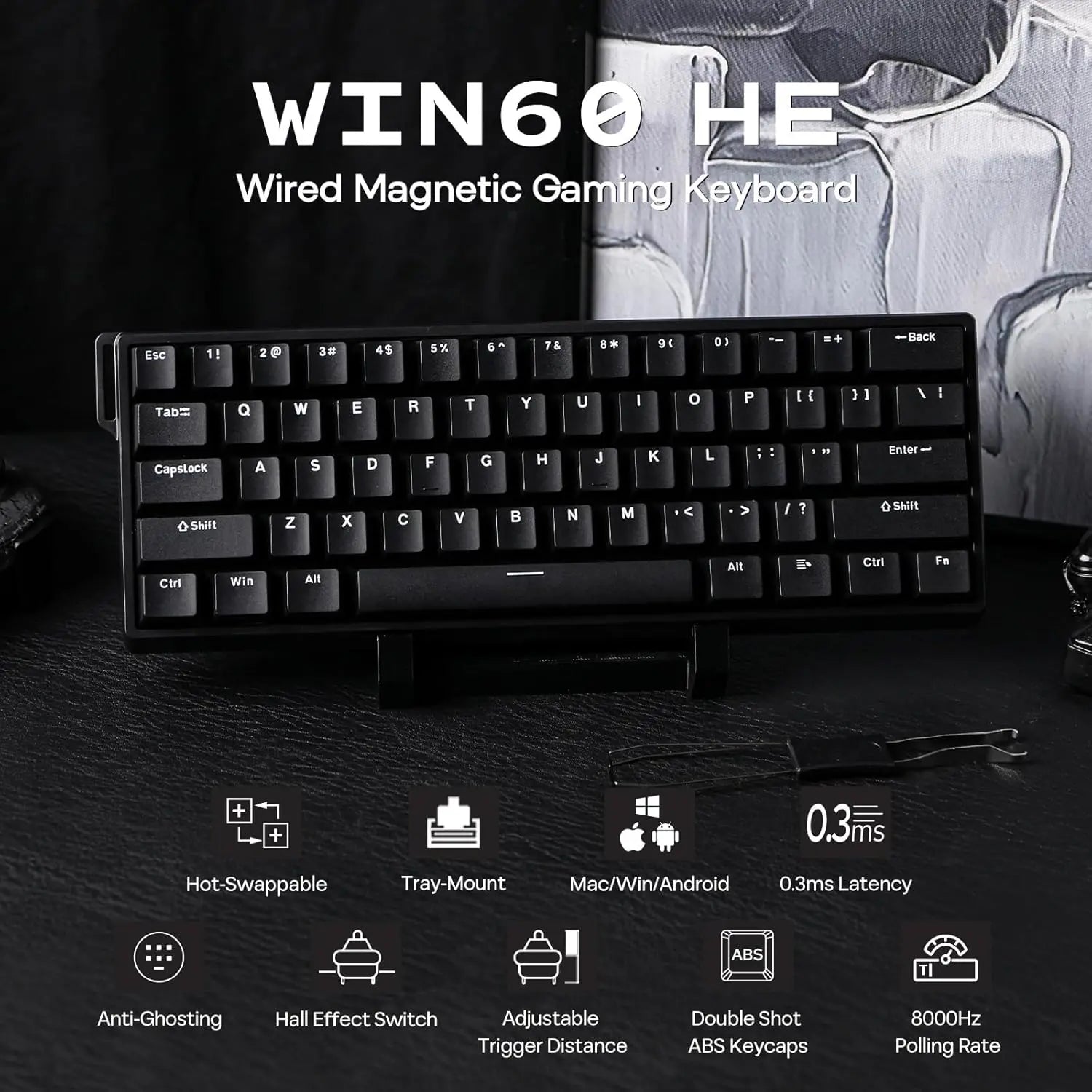
- 0.3ms Fast Latency Tested
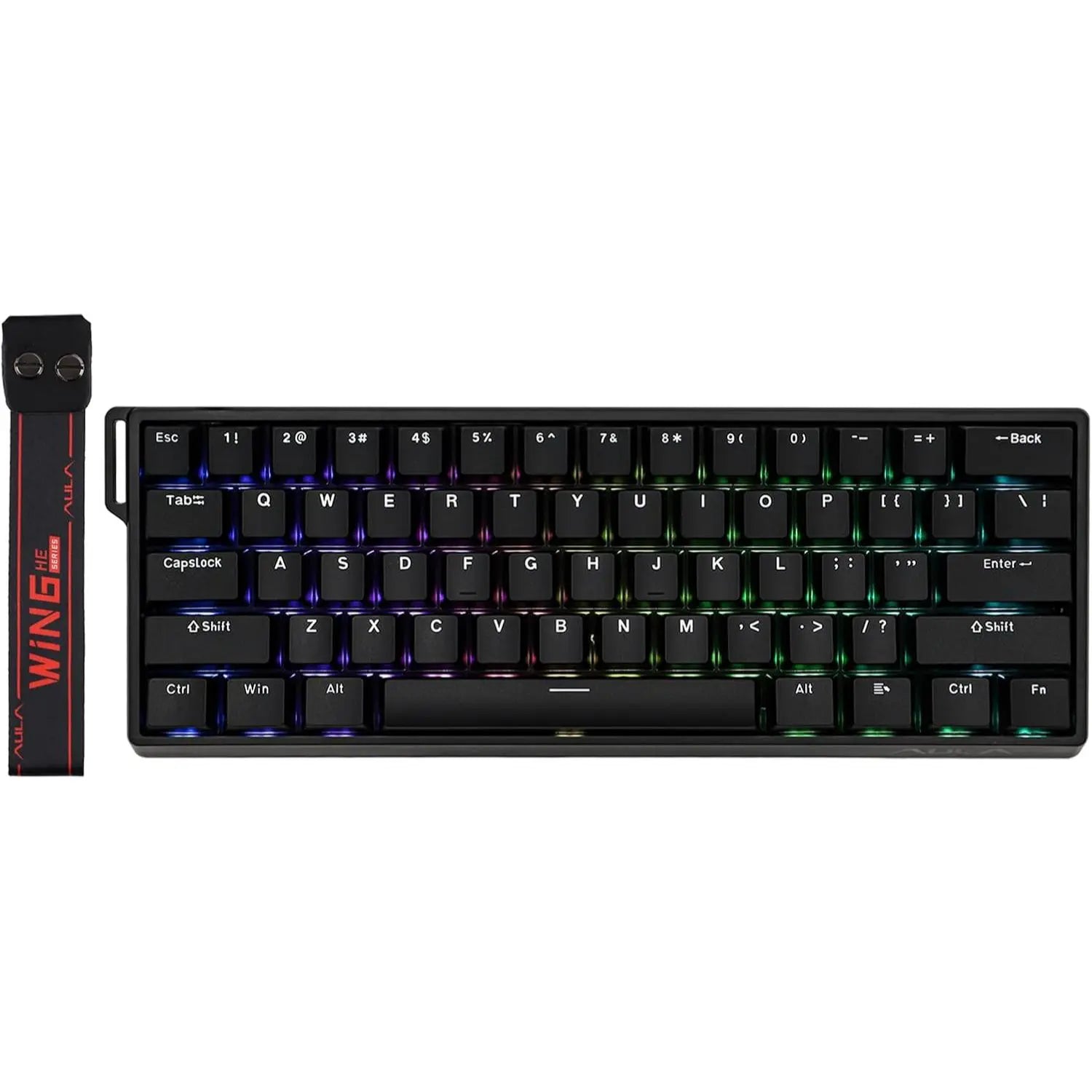
- 60% Ultra-Compact Layout
- Stunning RGB Backlighting
View details on manufacturer's website
Aula WIN60 HE 60% Wired Magnetic Keyboard - Black Price in Pakistan
High-Performance Magnetic Gaming Keyboard with Unmatched Precision and Control
Snap Keys (SOCD)
No more halting in the heat of battle. With SOCD, only latter key is prioritized and activated when two opposing directions are pressed simultaneously
Dynamic Rapid Triggering (RT)
RT eliminates delays from switch movement. it activates and deactivates keys instantly with minimal travel, making it perfect for FPS gaming.
Toggle Key (TGL)
Set "hold" or "double-click" as the trigger for continuous input and "tap" as termination. Release your finger for operation elsewhere.
DKS (Dynamic Keystroke)
The current key can be modified to bind 1 to 4 functions based on the degree of pressing and releasing.
AULA Online Driver (Chrome)
How to connect software
Visit the official "AULA" website.
On the "Downloads" page, click on "Driver."
Locate the link for "WIN60/68 Magnetic Switch Keyboard Website Driver" and select "Standard Edition."
Click "Allow browser access," choose your device, and then click to connect.
Hall Effect Magnetic Switch
Trigger precision up to 0.04mm, ensuring every keypress is accurate
Experience the unmatched speed of a magnetic keyboard with the wired version, boasting 8x faster response times. Powered by Hall sensor technology, it ensures millisecond-level precision for quicker and more accurate inputs. Plus, with fully customizable key actuation, you can adjust the trigger distance from 0.04mm to 3.4mm to suit your unique preferences.
Greywood Magnetic Switch: Force: 32gf; Bottom-out Force: 50gf; Stroke: 3.4±0.1mm; Accuracy: 0.04mm
Dynamic RGB Backlight
Multiple effects for preference
Experience stunning, customizable RGB effects that enhance your gaming environment, complemented by an ergonomic layout designed for comfort during extended sessions, and superior heat dissipation properties.
FN+Spacebar: Turn On/Off Light
FN+R_Alt: Change Light Effect; FN+R_Ctrl: Change Light Color
FN+{ } : " : Change Light Brightness/Speed
Package Content
1*WIN60 HE Magnetic Gaming Keyboard
1*Detachable USB-A to C Cable
1* 2-in-1 Keycap Switch Puller
1*Detachable Ribbon; 2*Extra Magnetic Switch
N-key Rollover
Every keystroke is accurately registered when multiple keys are pressed at the same time.
Powered by Hall sensor technology
It ensures millisecond-level precision for quicker and more accurate inputs
Compatible with multiple operating systems
User-friendly customization via Web Driver allows real-time layout changes without downloads
60% Compact Layout
Perfect for users seeking a compact keyboard without sacrificing essential functions